What is calibration?
Calibration is crucial for obtaining accurate measurements of air pollutant concentrations. It ensures that the data collected by air quality sensors is reliable and supports informed decision-making. Calibration helps minimize measurement errors and ensures that sensor readings align with reference instruments. All Clarity Nodes and some Modules require a cloud calibration.
How do I check a device's calibration?
- After logging into Clarity Dashboard, navigate to the Device > Calibrations page from the left panel.
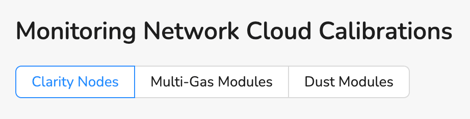
- Here you’ll see a summary of calibrations applied to Clarity Nodes. To see summaries of Multi-Gas Modules and Dust Modules devices, click the applicable tab.
- The Calibration Usage Summary section provides an overview of all calibration parameters, which model(s) are used for each concentration type, and how many devices in your network have the calibration applied. This summary includes all assigned devices, including active, not yet deployed, and previously deployed devices.
- The Calibration Usage Details table allows you to search by Device ID or Datasource, or filter by calibration profile.
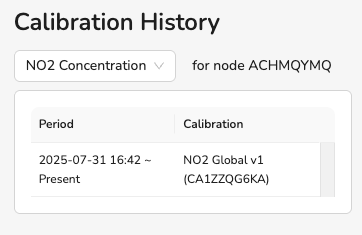
- To see the calibration history for a particular device, select its row in the Calibration Usage Details table. Reference the Calibration History table to the right. Here you’ll see the time period in which calibration(s) are currently applied to the device. If a device had another calibration profile assigned previously, you’ll see the start and end dates for all current and past calibrations listed in your computer’s local timezone. If the device measures more than one parameter, utilize the dropdown menu above the Calibration History table to see other calibration histories.